Skip to content

2026

MakerThursday 0x01: Document Your Project: Why and How?

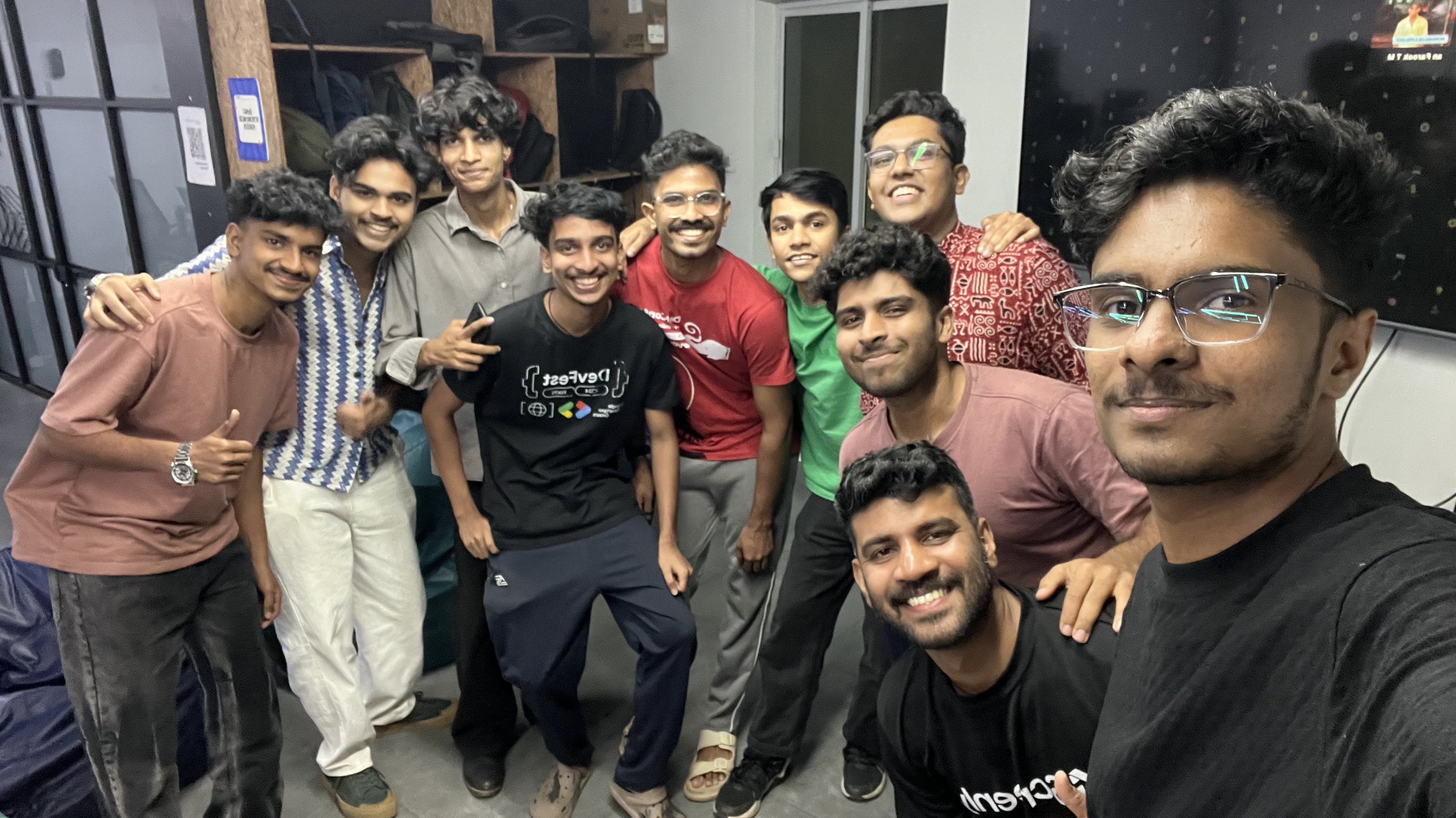
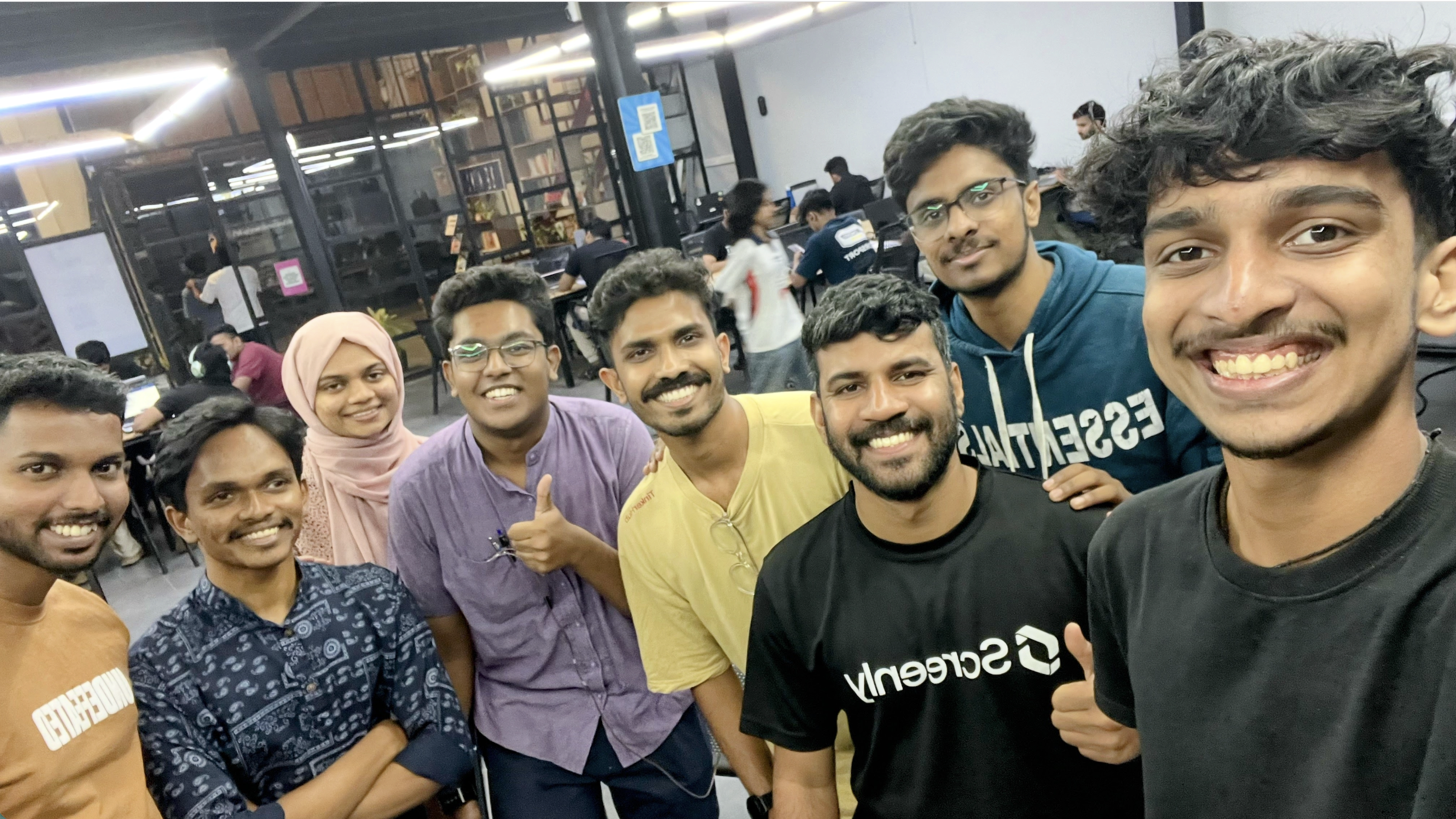
Team Photo

Overview

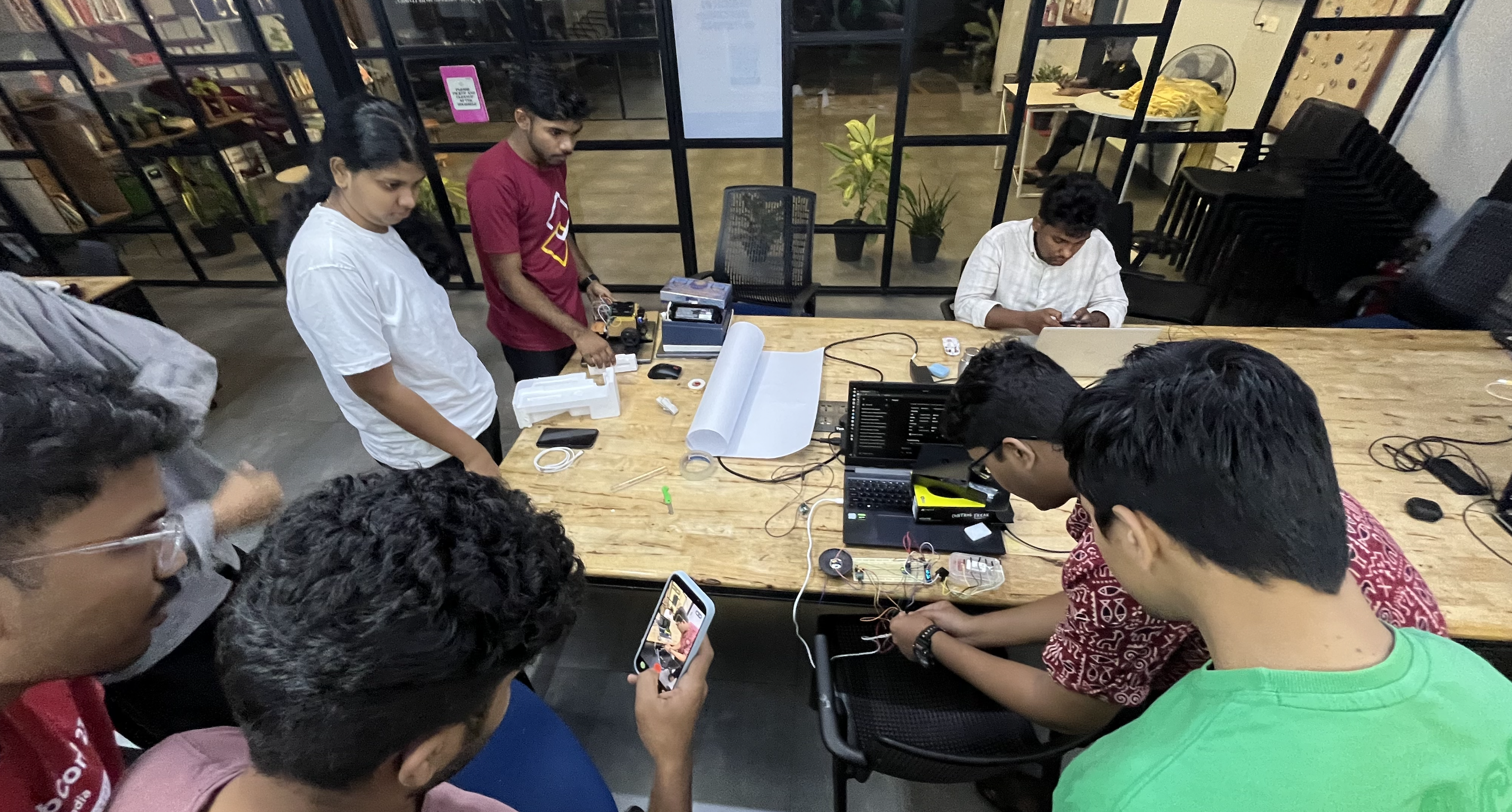
This Maker Thursday focused on the importance of documentation and how makers can better share their work. The session had an interactive and practical vibe, with discussions around why documentation matters and how it helps projects grow beyond just prototypes. Salman [Me] led the session and shared real-world workflows, tools, and best practices used in day-to-day maker and open source projects.

Topics

  • Why documentation matters in maker projects
  • Best practices for writing clear and useful documentation
  • Tools and platforms for sharing project work

Slides

Highlights

  • Discussed practical documentation workflows and tools that can be immediately applied to personal and community projects. (The full tool list is available in the slides attached above.)

Next Week

  • Topic: "RoboWar Team" sharing their experince.
  • Host: Devadath S

How to Document a Maker Thursday Session

Maker Thursday is a weekly, community driven gathering at TinkerSpace where people connect, share, and build.

From 2026 onwards, every session should have a short journal entry, usually written by the host.

Why we document Maker Thursday

Maker Thursday is a weekly community gathering, but the conversations, demos, and learnings should not end when the session ends.

By documenting each Maker Thursday, we:

  • Keep a clear log of what was discussed and built
  • Help members who could not attend stay updated
  • Make it easy for new members to understand the community’s direction
  • Create a shared reference for ideas, projects, and follow ups
  • Build a long term archive of our maker journey

These short journal entries are not meant to be detailed reports. They are lightweight snapshots of each session, written so that any community member can quickly read, catch up, and continue the conversation.

Documentation steps

  1. Set up MkDocs Material on your computer
  2. Run the site locally
  3. Add a new journal post using the template
  4. Push changes and raise a pull request

Setup on your computer

First, you need setup the computer to run the mkdocs locally.

Prerequisites
  • Install Python and pip - follow the guide here
  • Install MkDocs - follow the guide here.
  • Install Git - follow the guide here

Fork, clone, and run locally

1) Fork the repository

2) Clone your fork

git clone https://github.com/<your-username>/makerthursday.git
cd makerthursday

3) Start the local dev server

Run this from the folder that contains mkdocs.yml:

mkdocs serve

MkDocs will serve the site locally (usually on http://127.0.0.1:8000/)


Create a new Maker Thursday journal entry

The site journal is powered by the Material blog feature (you can see it live at /blog/)

1) Create a new branch

git checkout -b add-makerthursday-journal-YYYY-MM-DD

2) Add a new post file

Follow the existing pattern in the repository for where posts live.

  • docs/blog/posts/YYYY-MM-DD-title.md

3) Add front matter

Add metadata for your Journal post,

---
title: 'MakerThursday 0xXX: Name for the Maker Thursday'
date: YYYY-MM-DD
authors: [autor]
slug: maker-thursday-0xXX
description: >
  A Small Description
---

If this is your first time contributing, please add your details to the authors file before submitting your post.

open the file docs/blog/authors.yml and add new entry

  author-username:
    name: Author Full Name
    description: Author tag line
    avatar: https://avatars.githubusercontent.com/u/xxxxxxxx
    url: Tinkerhub App profile URL

In the avatar section, replace the xxxxxxx to your github profile id.


Journal template (copy paste)

Use this template inside your post:

---
title: 'MakerThursday 0xXX: Name for the Maker Thursday'
date: YYYY-MM-DD
authors: [autor]
slug: maker-thursday-0xXX
description: >
  A Small Description
---

## Overview
Write 3 to 6 lines on what happened this week. Mention the theme and the general vibe.

## Topics
- Topic 1
- Topic 2
- Topic 3

## Project Presentation
- Name – project title (one line summary if needed)
- Name – project title

## Photos
### Group photo
![Group photo](../assets/YYYY-MM-DD-title/group-photo.jpg)

### Activity photo
![Activity photo](../assets/YYYY-MM-DD-title/activity-photo.jpg)

## Highlights
- One key takeaway (learning, decision, win, or community moment)

## Next Week
- Topic: TBD
- Host: TBD

Notes for photos:
  • Keep filenames simple and consistent.
  • Store images in the same place the repo already uses for images.
  • Always add meaningful alt text.

Preview your changes

While mkdocs serve is running, open the local site and check:

  • The post appears in the journal list.
  • Images load.
  • Headings look correct and spacing is clean.

Commit, push, and open a pull request

1) Commit and push to your fork

git add .
git commit -m "Add Maker Thursday journal for YYYY-MM-DD"
git push -u origin add-makerthursday-journal-YYYY-MM-DD

2) Create a pull request to upstream

On GitHub, open your fork and you should see a prompt to create a PR. GitHub’s flow for PRs from forks is documented here

PR checklist:

  • Title includes the date and session name.
  • Post follows the minimum structure.
  • Photos included or clearly marked pending.
  • Previewed locally.

Suggested style (keep it consistent)

  • Prefer short paragraphs and bullet lists.
  • Avoid long intros.
  • Name people and projects clearly (credit matters).
  • If something is TBD, write “TBD” instead of leaving it blank.
MakerThursday 0x00: 2026 Plan for Maker Thursday, 2025 Reflections and Project showcasing.

2025 Statistics

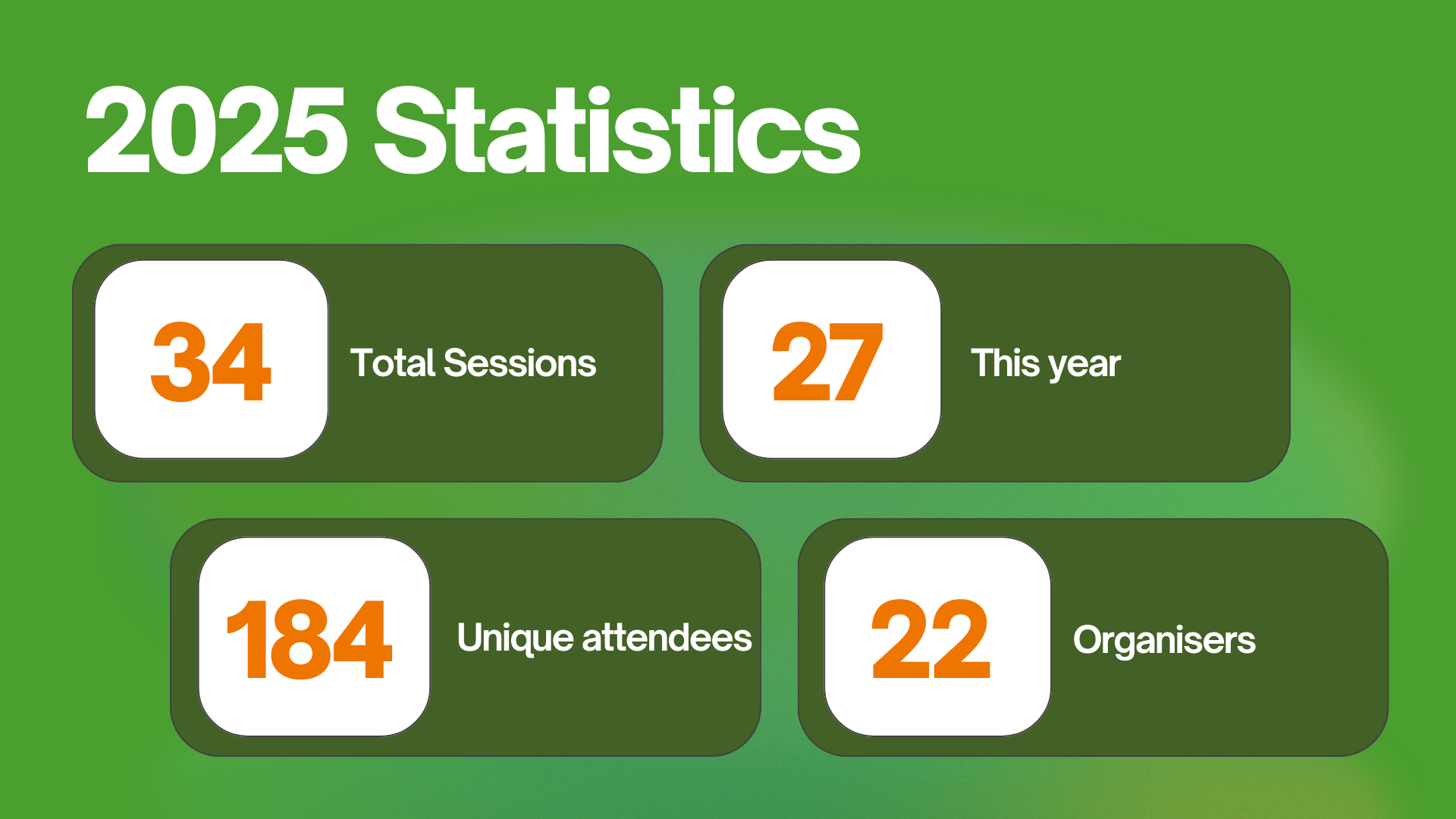
We reflected on the 2025 event highlights and gathered feedback from the community. Throughout 2025, we hosted 27 Maker Thursday sessions, with 184 unique attendees and 22 different hosts, which is a strong outcome for a community-run initiative.

While a few weeks were missed due to host unavailability, the situation improved significantly in the later quarters of 2025. More new hosts stepped up to run sessions, which became one of the key highlights of the year.

Achievements

We discussed some of the key achivment we got from the MakerThursady using the community.

  • Raspberry Pi Jam 2025 was organized collaboratively by the TinkerSpace and MakerGram community members. The initial discussions for the event began during a Maker Thursday session, and the planning, coordination, and finalization were all carried out within the same Maker Thursday gatherings. Even the speakers were selected from community members who volunteered to contribute. As part of this effort, we received a Raspberry Pi 16GB and a 1-year free subscription to Raspberry Pi Magazine. We are truly proud of this achievement, it reflects a community-driven initiative, built by the community, for the community.

  • Arduino Day 2025 Similar to Raspberry Pi Jam, Arduino Day 2025 was also organized collaboratively with TinkerSpace community members and MakerGram. The idea and planning originated from Maker Thursday discussions, with community members volunteering as speakers and contributors. Blog Post , Event Page.

Space Carnival Badge

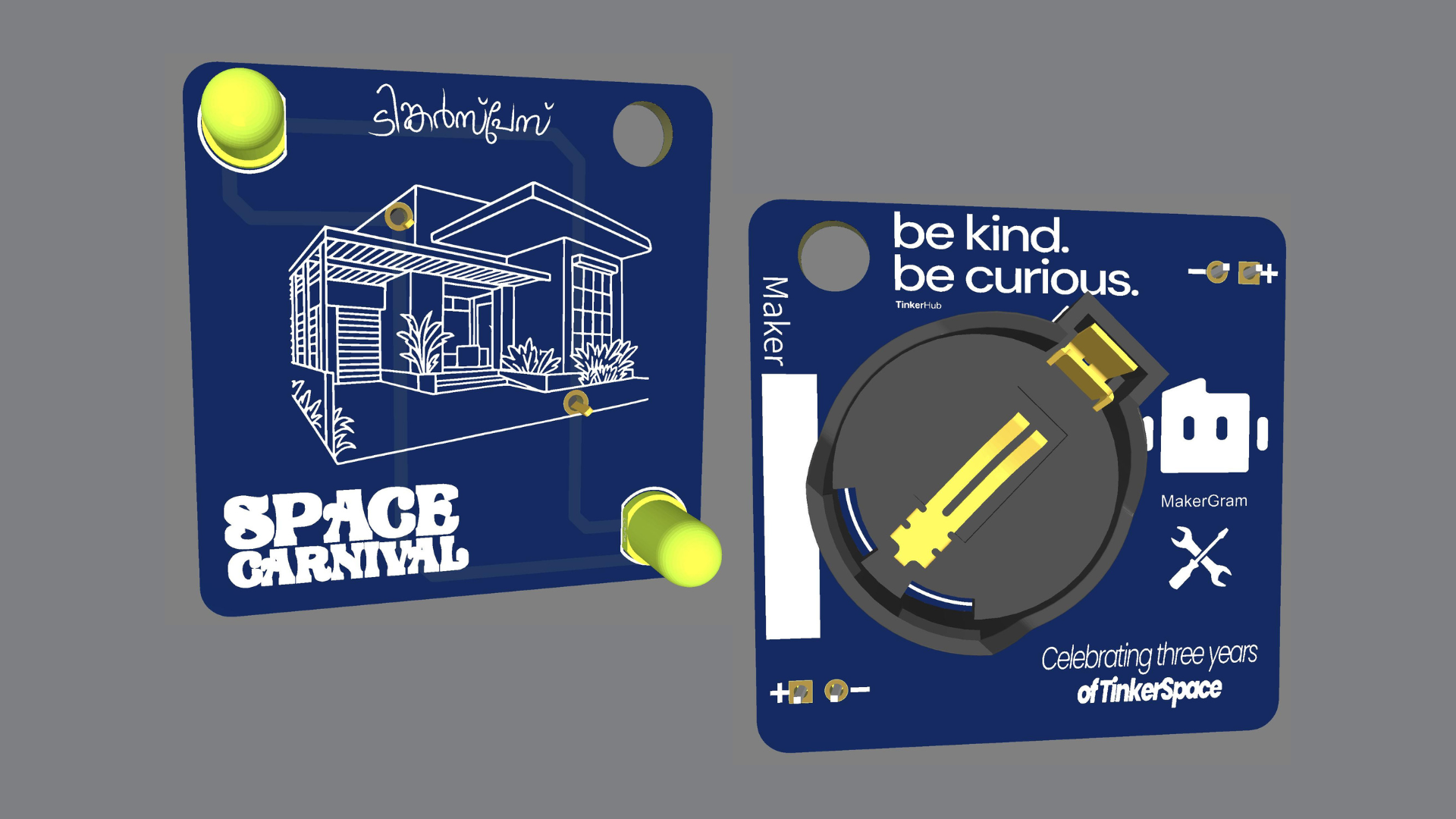
  • Space Carnival Badge : Creating a PCB badge had been a long-term plan for us, and we finally brought it to life at the end of the year during TinkerSpace’s 3rd anniversary Space Carnival. The badge was intentionally simple, using LEDs and batteries, giving curious participants an opportunity to try soldering and build their own badge.

Future Plans

During the review and planning discussion, we aligned on the following actions for the coming year:

  • Topic Planning: Topics and hosts should be confirmed at least one week in advance. If not ready, a filler topic will be used and an available member will host.
  • Documentation: From 2026 onwards, every Maker Thursday will be documented. The host is responsible for a short journal entry, following simple guidelines, giving visibility to both the host and the community.
  • Filler Topics: Preselected topics like KiCad and MQTT will be used when needed, with more added over time.
  • Collaborative Projects: Encourage community-driven hardware projects, with support through curation and mentorship.
  • Maker Bench Integration: Explore ways to bring Maker Bench projects into Maker Thursday to increase participation.
  • Physical AI Collaboration: Work with AI Wednesday to explore Physical AI, focusing on AI running on hardware.
  • Personal Goals: Encourage members to set personal maker goals, such as publishing projects in Raspberry Pi Magazine or other international platforms.

This Week’s Project Presentation

Ramakanth shared Meow Synth

Ramakanth shared Meow Synth, an ESP32-based mini synthesizer. Kudos to him for showcasing the project and walking us through his work.

That’s a wrap for this week. Thanks to everyone for the continued support, and we’re excited for the new year and many more builds ahead. Group Photo

Next Week’s Topic

Document Your Project 101 A practical session focused on how to document maker projects clearly and effectively, covering basics such as structure, photos, write-ups, and sharing work through journals and repositories.